In the competitive landscape of ecommerce, the first impression can make or break a sale. Smart product page design plays a crucial role in maximizing conversions. By strategically organizing information, enhancing user experience, and optimizing visual elements, brands can drive more consumers through the purchase funnel. A well-designed product page does more than showcase products; it tells a story that resonates with potential customers.
For many small and mid-sized businesses, product pages are often an afterthought. However, neglecting this critical part of the customer journey means missing out on significant revenue opportunities. Research shows that a compelling product page can increase your conversion rates by as much as 30%. This blog post will explore actionable strategies for enhancing your product page design, focusing on the user experience while employing ecommerce optimization tactics.
In this guide, we will cover the essential components of successful product pages and delve into how small modifications in design can lead to a tremendous impact on conversions. With the right approach, even slight improvements can lead to noticeable results in terms of engagement and sales.
Every successful product page shares a few common characteristics. First and foremost, it is visually appealing and easy to navigate. Users should be able to find what they need without frustration. This entails using high-quality images, concise titles, clear pricing, and straightforward navigation elements. Furthermore, an effective product page integrates essential information, such as product specifications, available sizes, and stock status, presented in a way that is easy to digest.
Additionally, the use of social proof, such as customer reviews and ratings, can greatly enhance the credibility of a product. Feature real user testimonials that speak to the product’s quality and usability. Incorporating visual testimonials, like unboxing videos or images of the product in action, can further engage potential buyers.
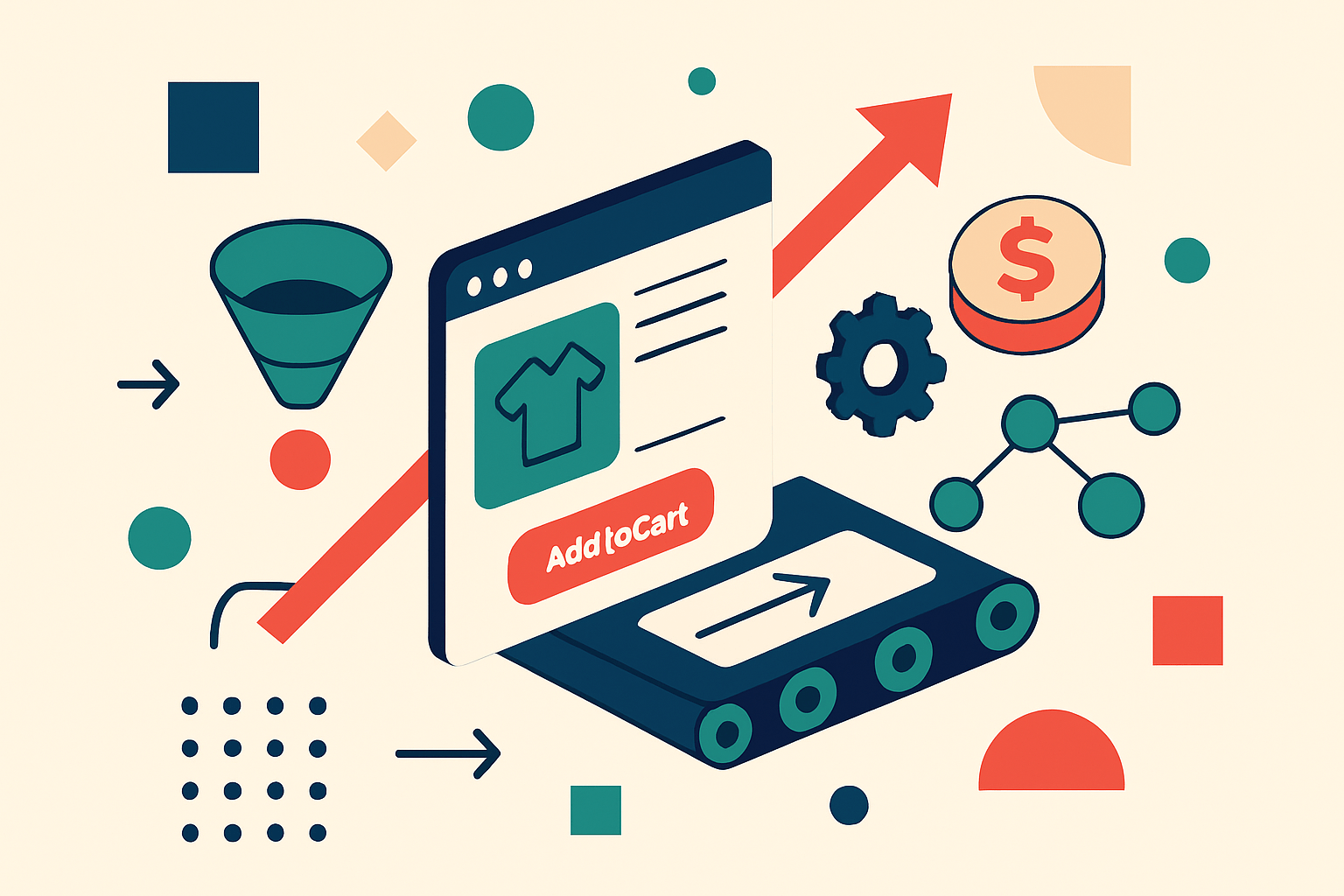
Lastly, a clear call-to-action button is crucial. It should stand out on the page and be labeled in a way that encourages users to take immediate action. The text should be directive, simple, and aligned with the message of urgency, such as ‘Buy Now’ or ‘Add to Cart’.
If you’re looking to maximize conversions through smart product page design, here’s a step-by-step implementation plan to execute this week. Develop a checklist based on each step to ensure thorough execution.
Let’s look at two brands that successfully optimized their product pages to drive conversions. The first example is a fictitious clothing brand called ‘Fashion Forward’. They revamped their product pages by including high-quality images, detailed size guides, and user reviews. After redesigning their product pages, they reported a 25% increase in conversion rates within just a month.
The second case study involves a tech accessory company, ‘Gadget Guru’, that capitalized on user-generated content. By including videos of real customers showcasing their products alongside the option to leave additional multimedia reviews, they enhanced trust and engagement. Consequently, Gadget Guru saw a 40% increase in sales within three months of implementing these changes.
A pervasive misconception is that product page design is secondary to other marketing tactics, such as advertising or social media outreach. Many businesses allocate significant resources to attract traffic without adequately considering the user experience once potential buyers land on their site. This approach can lead to high bounce rates and lower conversions, ultimately nullifying the investment in marketing efforts.
It is essential to recognize that an optimized product page can directly amplify the effectiveness of your marketing campaigns. When your design speaks to the user’s needs and preferences, the probability of converting visitors into buyers increases significantly.
To determine the effectiveness of your optimized product page design, identify key performance indicators (KPIs) to monitor. Common KPIs for product pages include conversion rate, average order value, bounce rate, and user engagement time. Track these metrics using analytics tools to gauge success over time.
Furthermore, be aware of common pitfalls that can undermine your efforts. Overloading a product page with too much information or poor navigation can confuse users. Additionally, failing to perform regular updates based on user feedback can leave your product pages outdated and irrelevant to your audience.
Now that you understand the essential elements and strategies for enhancing your product page design, it’s time to take action. Implement the steps outlined in this guide this week, and begin tracking your results. As you refine your product pages, keep your audience’s experience at the forefront of your strategy. Celebrate improvements, consistently iterate on feedback, and watch your conversions soar!